

Net Nanny Parental Filter - Windows Setup

1. Introduction
NetNanny is a parental control and web-filtering software designed to help parents keep children safer online. It works by monitoring and filtering internet activity across devices such as computers, tablets, and smartphones.
Unlike basic blocking tools, NetNanny uses real-time content analysis, meaning it can identify and block inappropriate websites, searches, and online content as it appears — even if the site hasn’t been manually listed before.
NetNanny can also help parents:
-
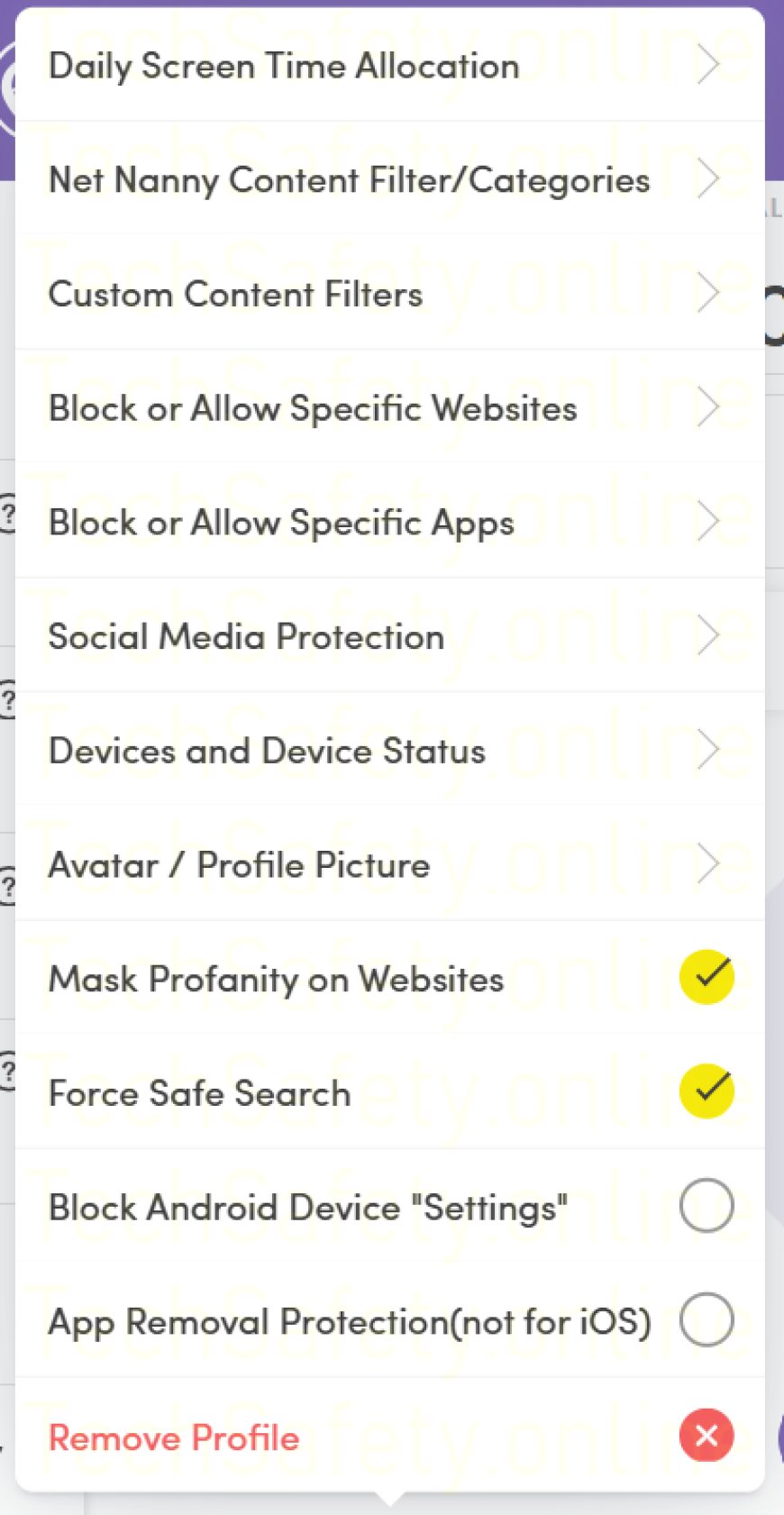
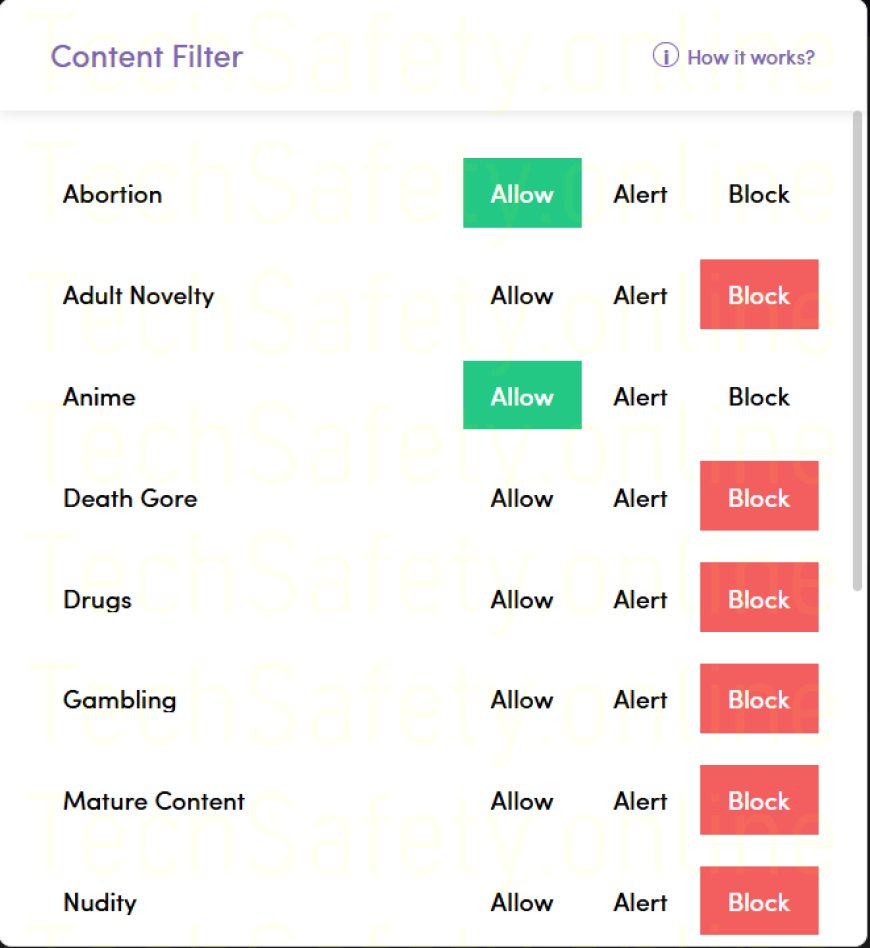
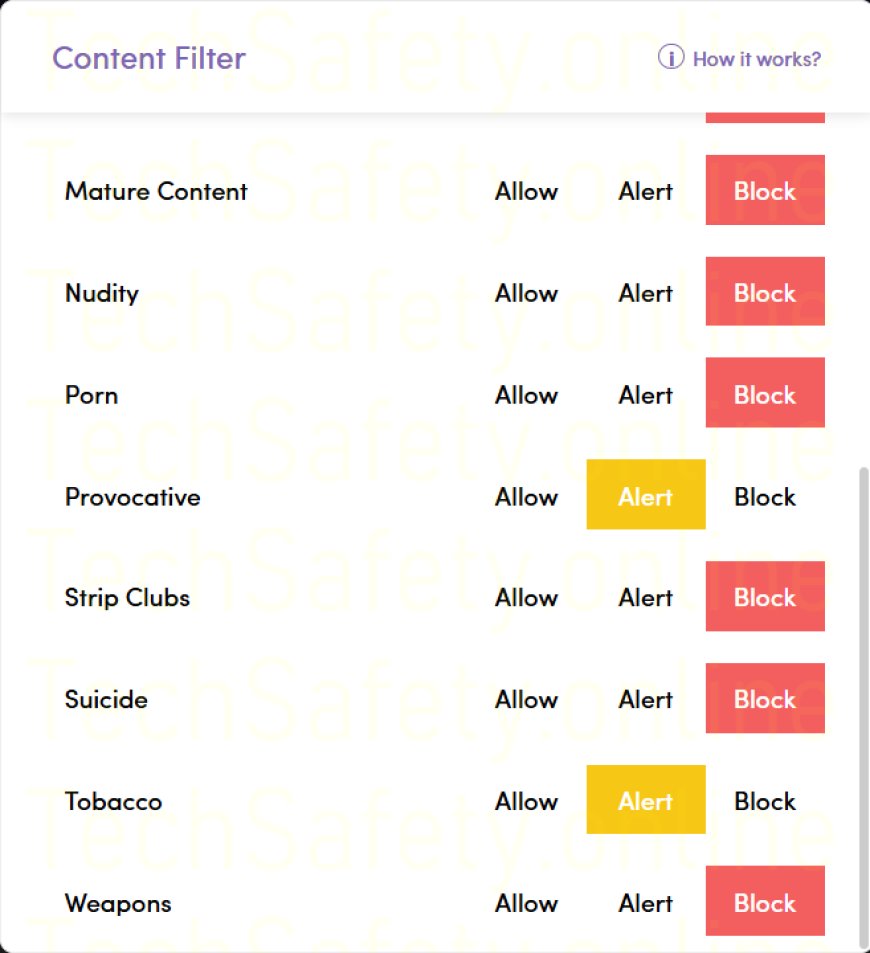
Block adult, violent, or harmful content
-
Monitor web searches and app activity
-
Set screen-time limits
-
Receive alerts about risky online behaviour
It’s commonly used by families who want practical protection without needing technical knowledge, and it works across multiple platforms, making it suitable for households with mixed devices.
NetNanny isn’t about spying — it’s about reducing risk, especially for younger users who may not recognise danger online.
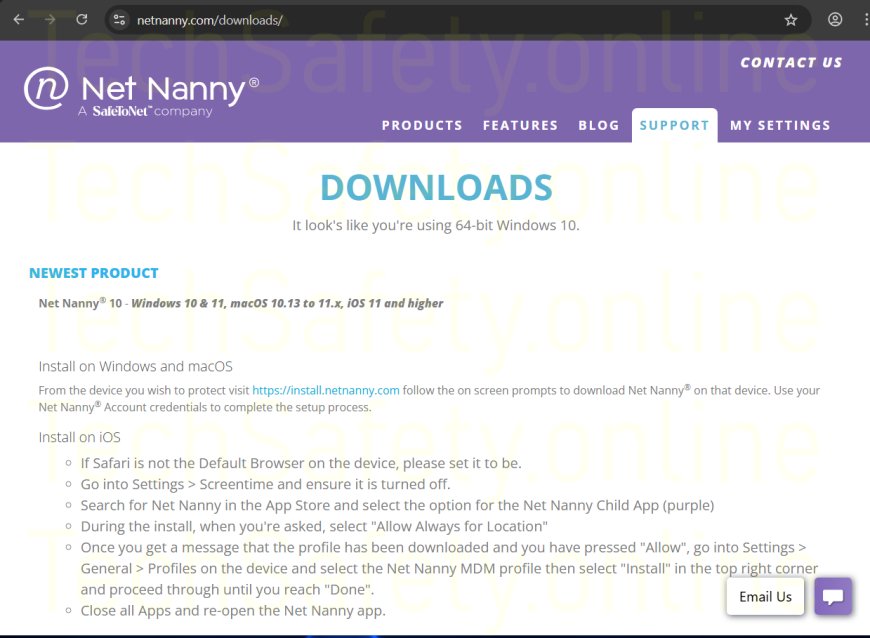
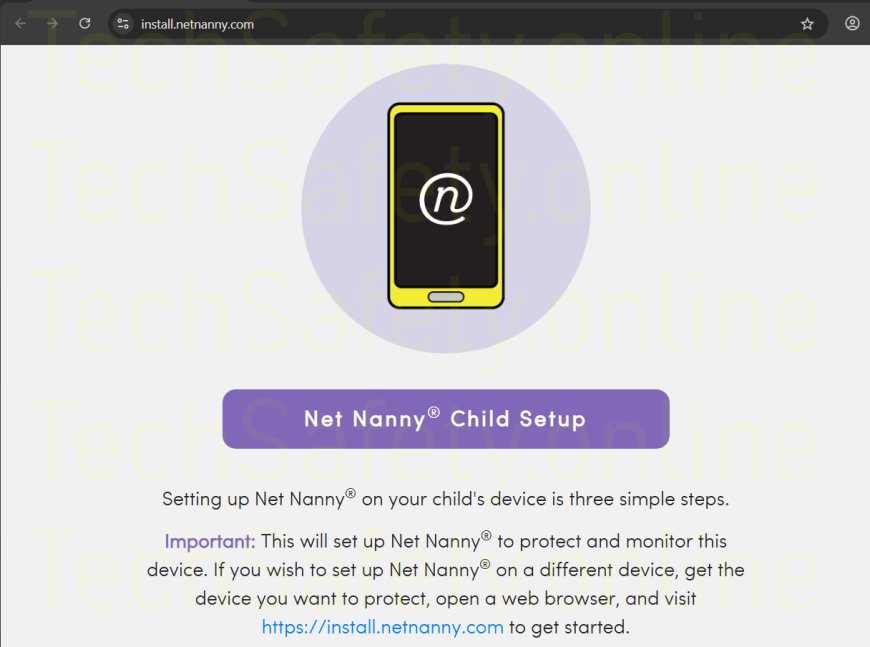
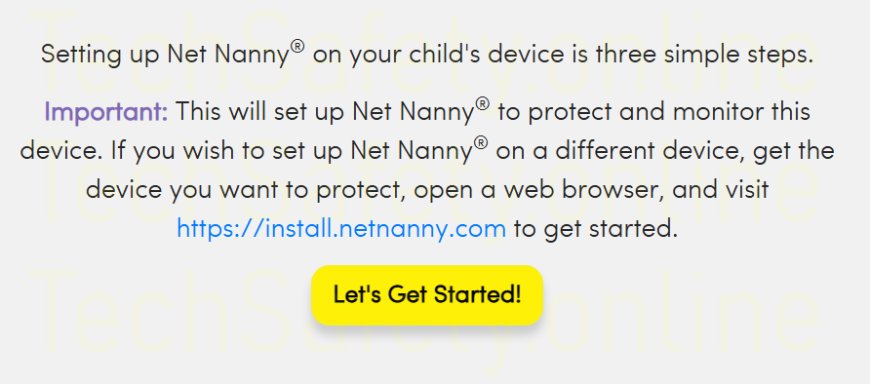
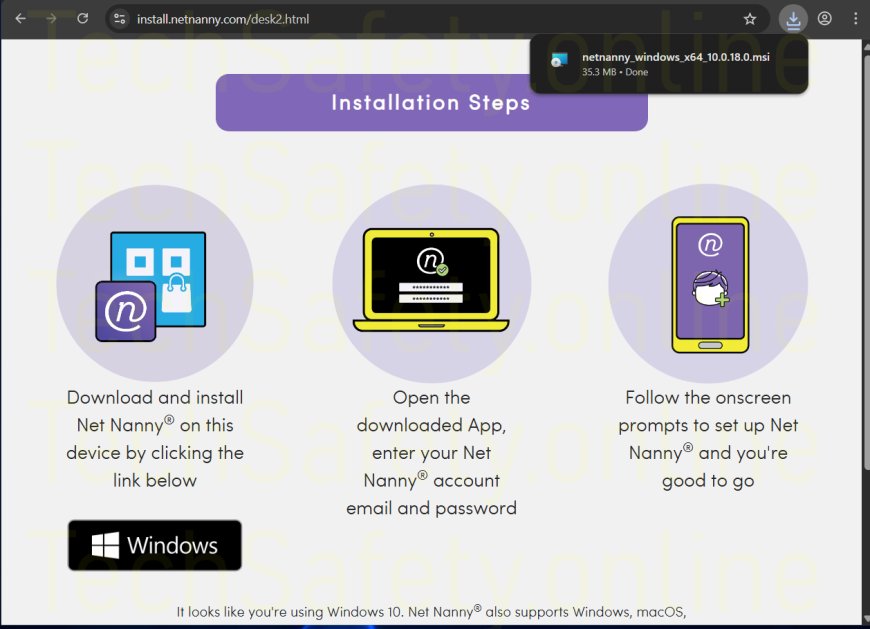
2. 1. Purchase "NetNanny" Subscription
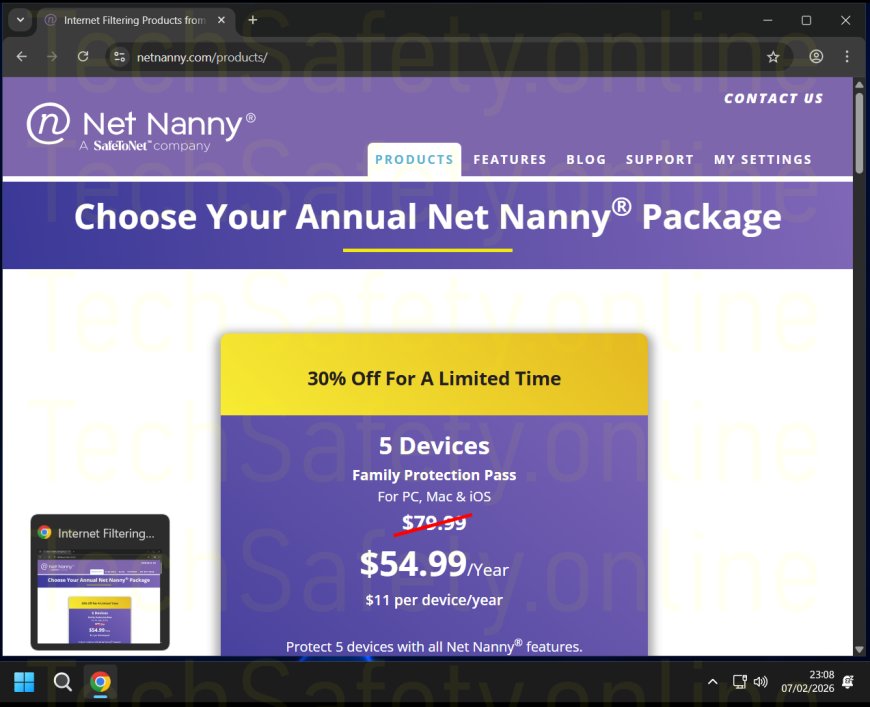
First you need to purchase a NetNanny subscription, this can be purchased by "Clicking Here"
3.
4.
5.
6.
7.
8.
9.
10.

11.
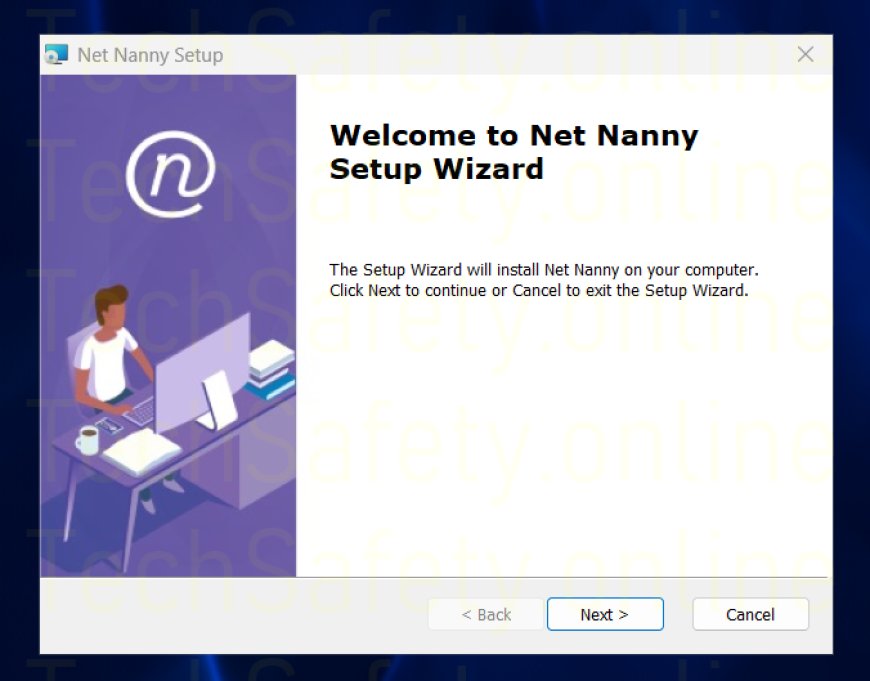
12.
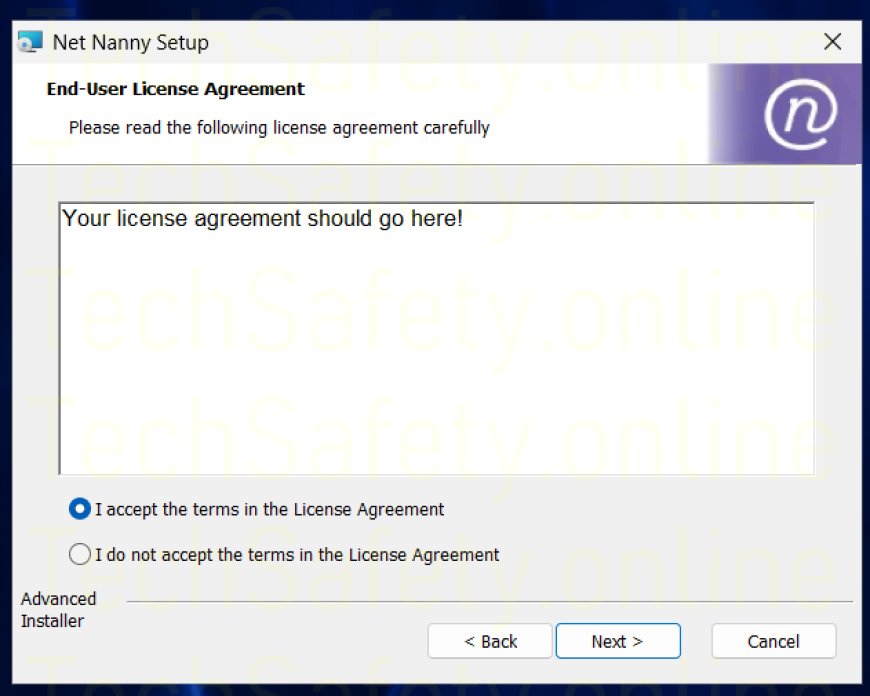
13.
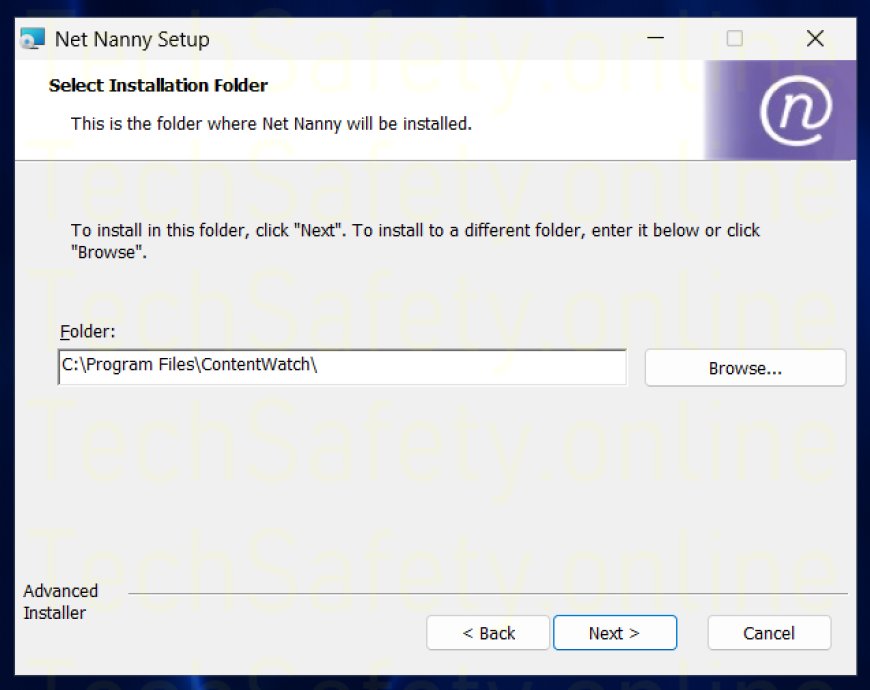
14.
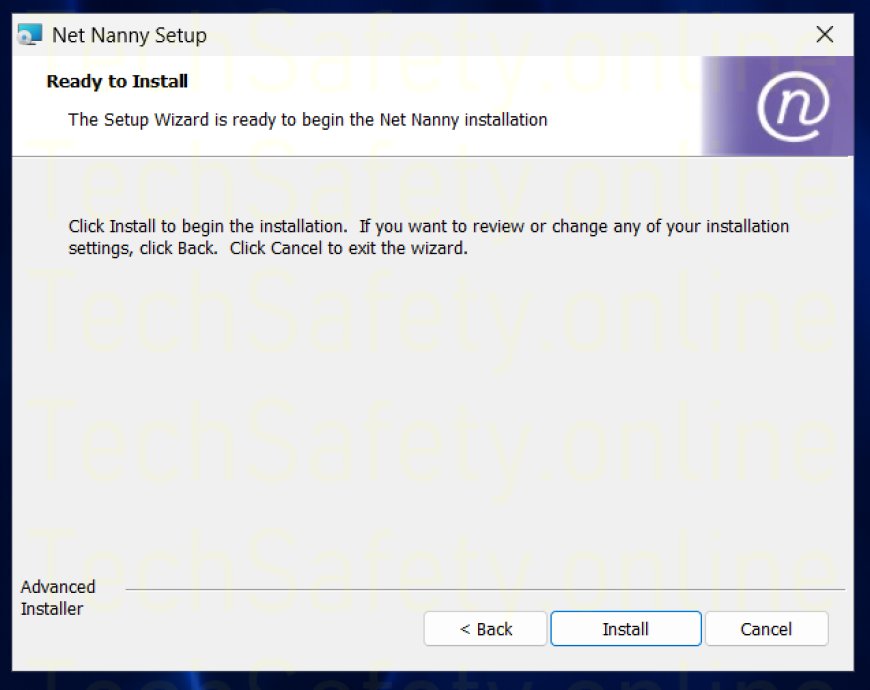
15.
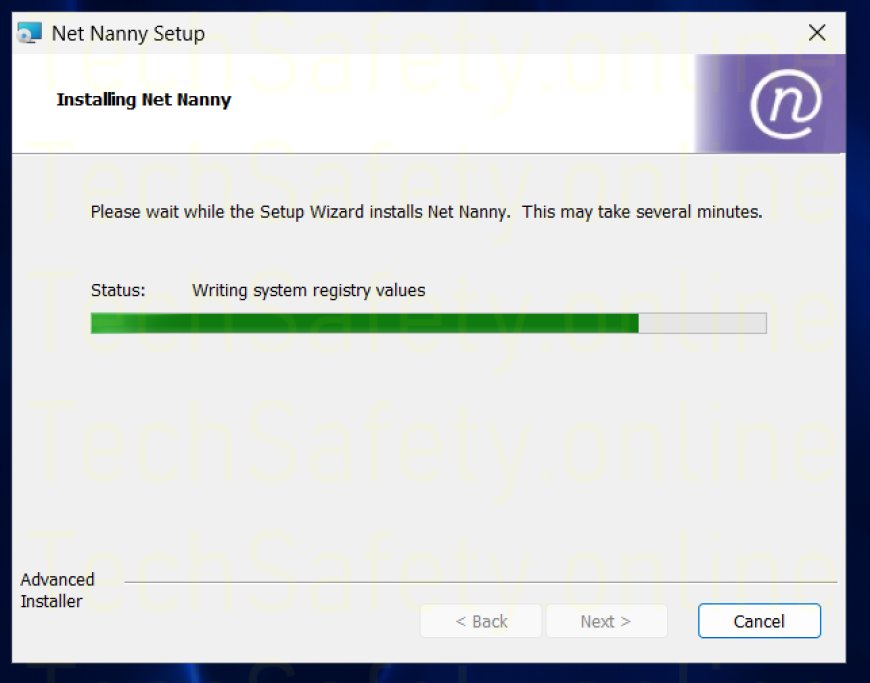
16.
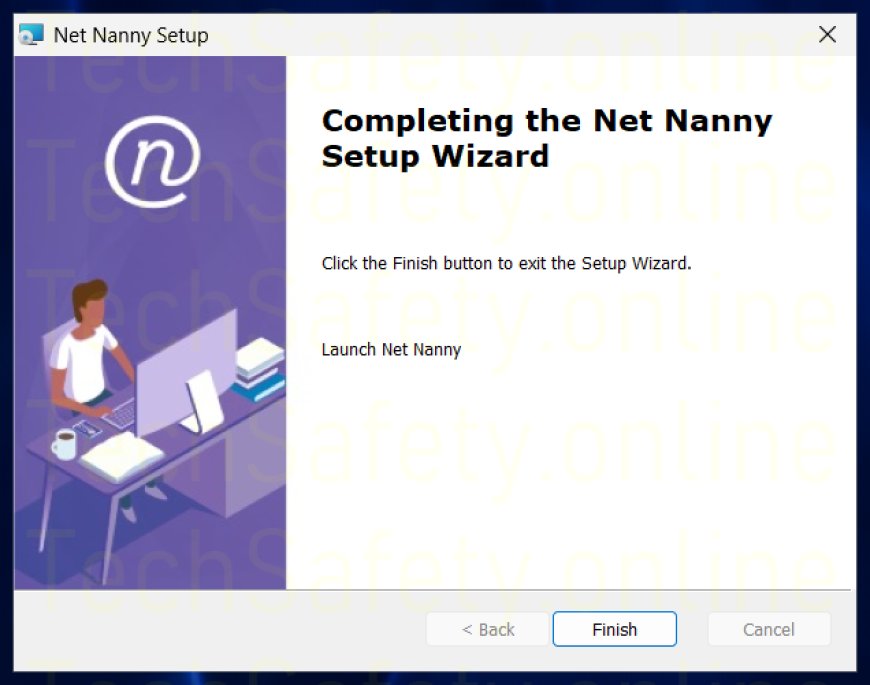
17.
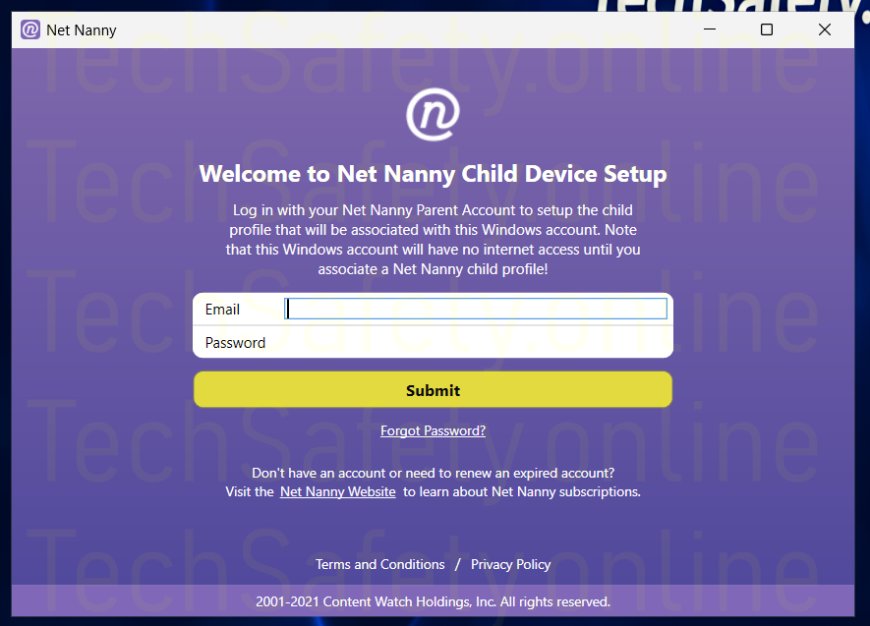
18.
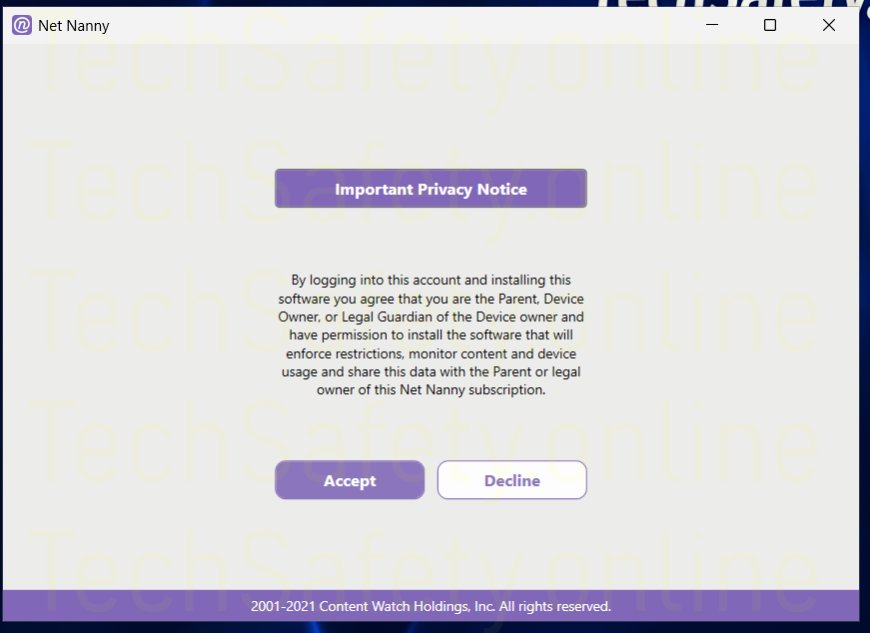
19.
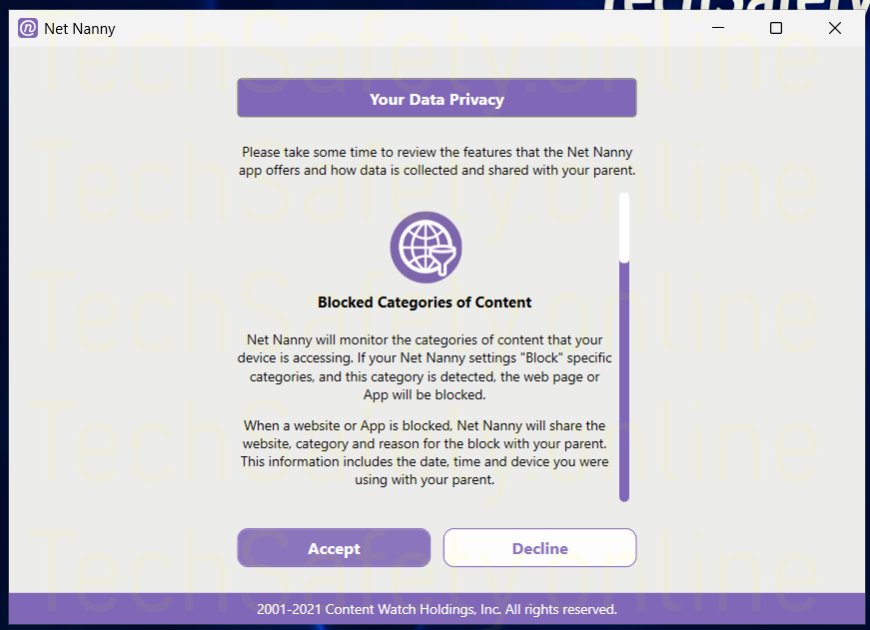
20.
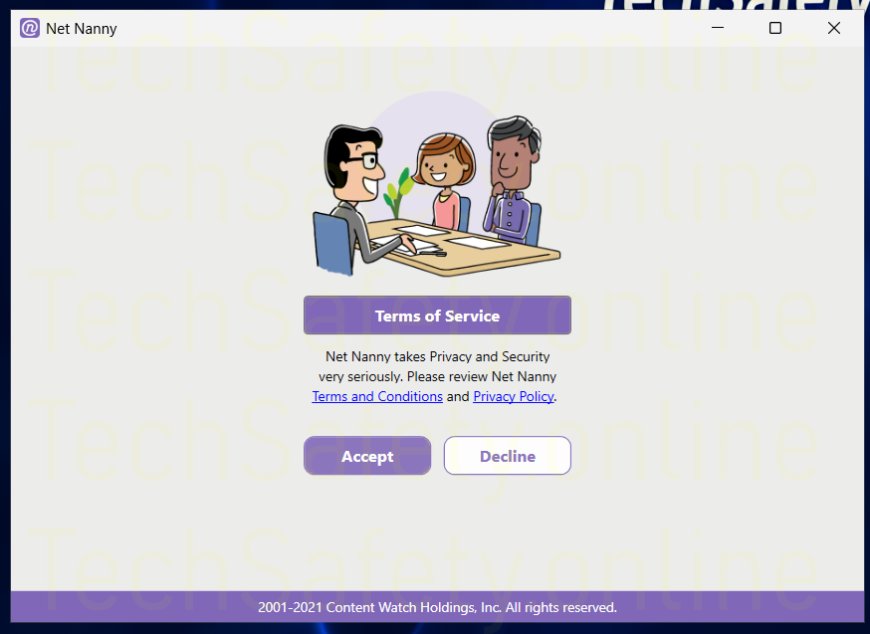
21.
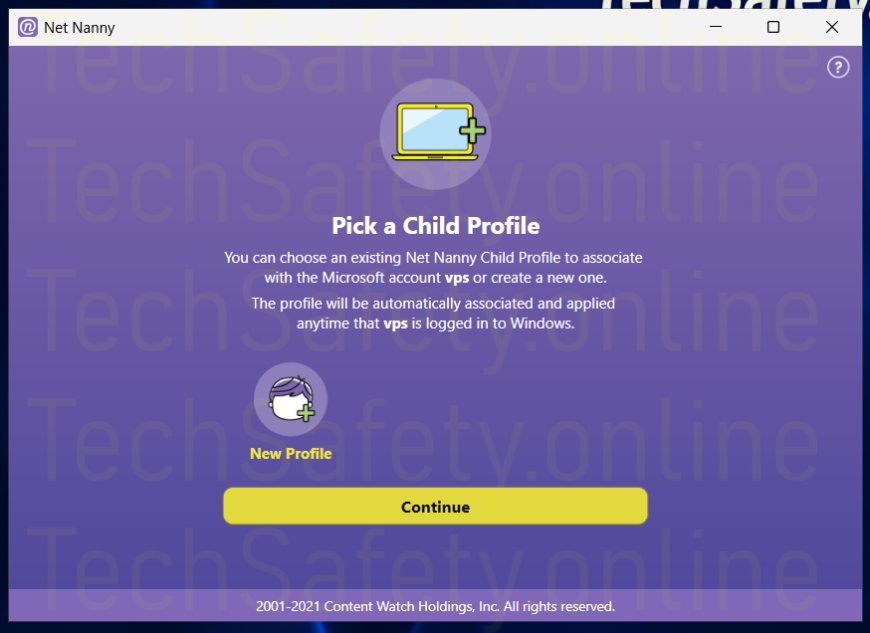
22.
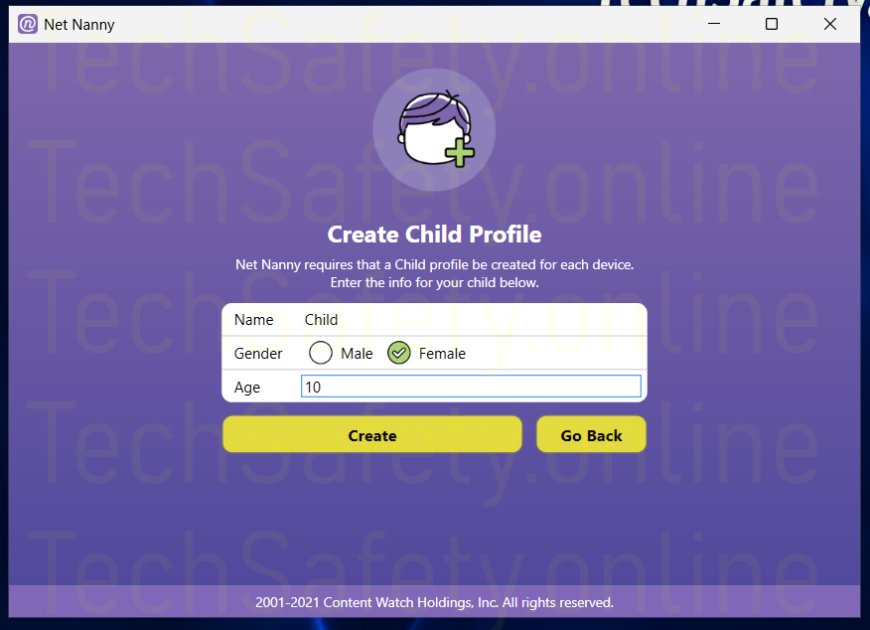
23.
24.
25.
26.
27.
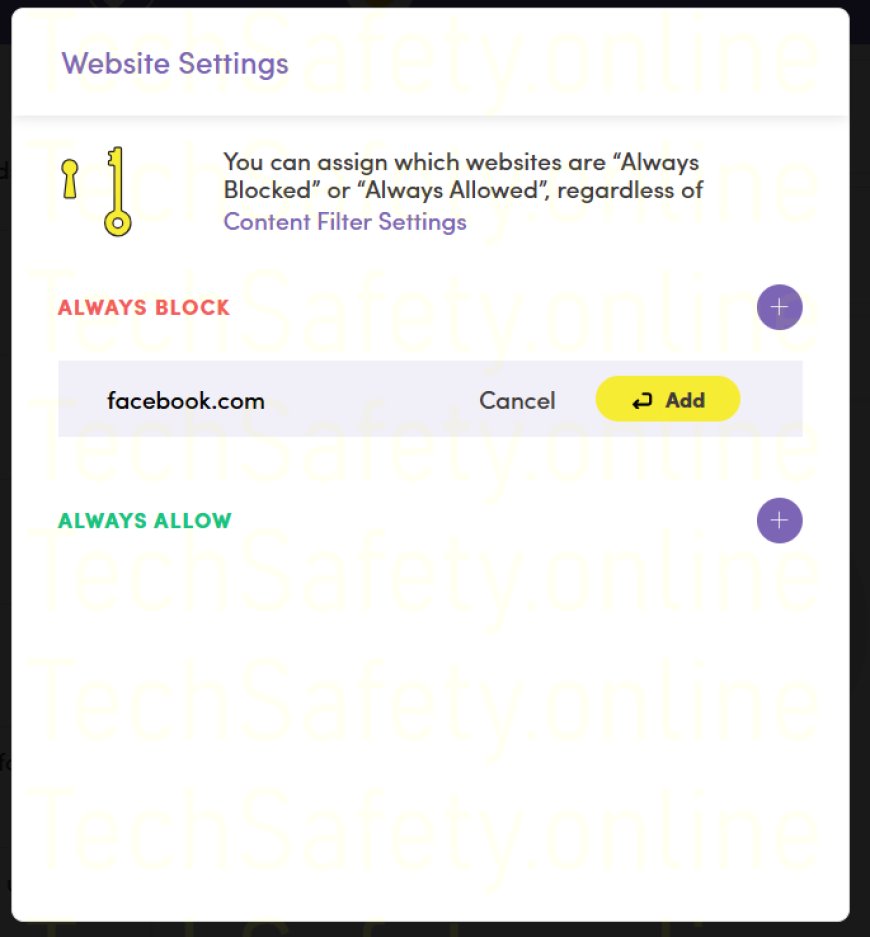
28.
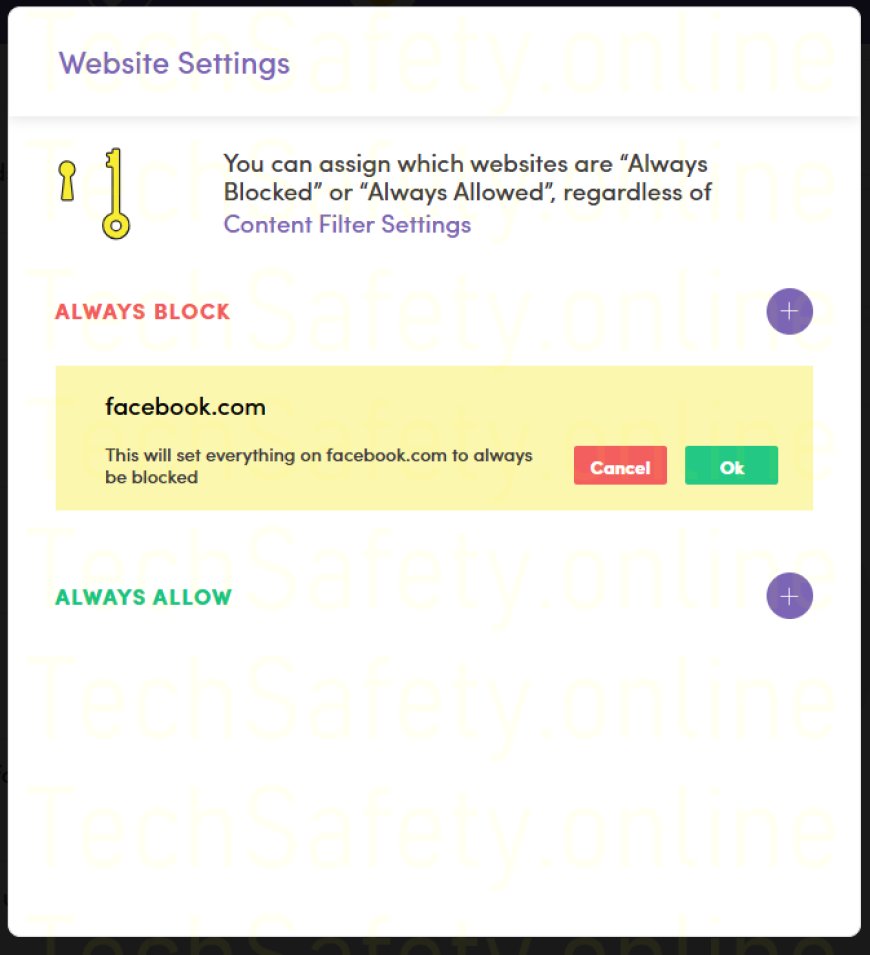
29.
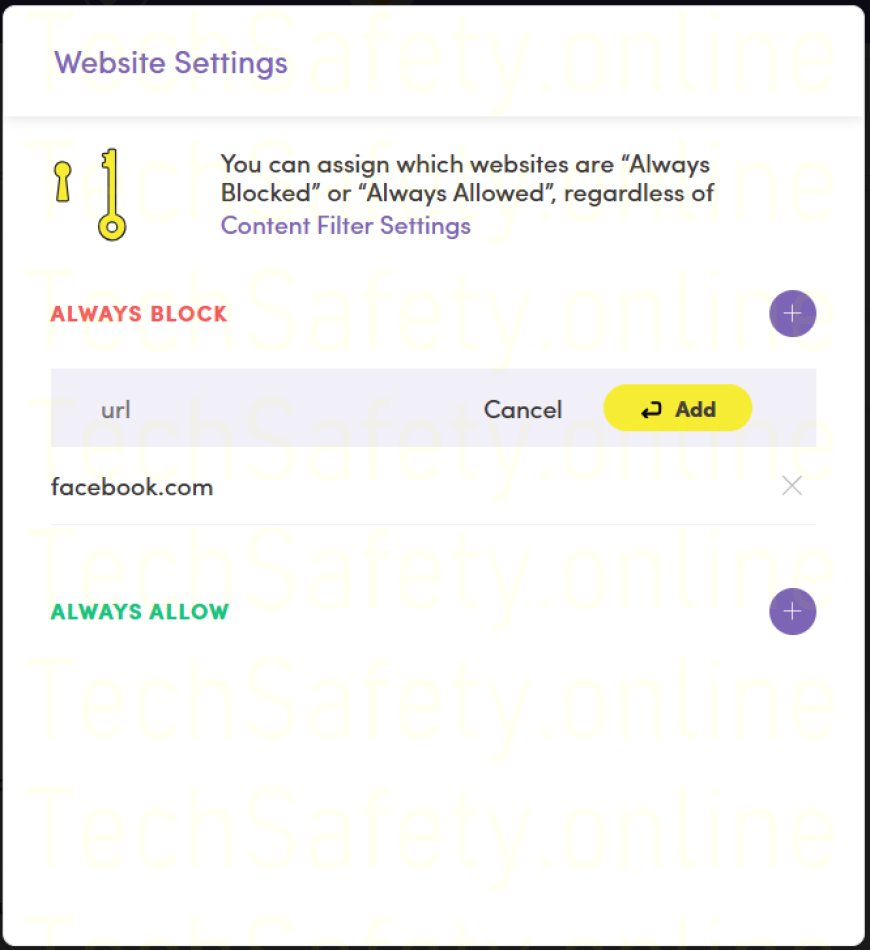
30.
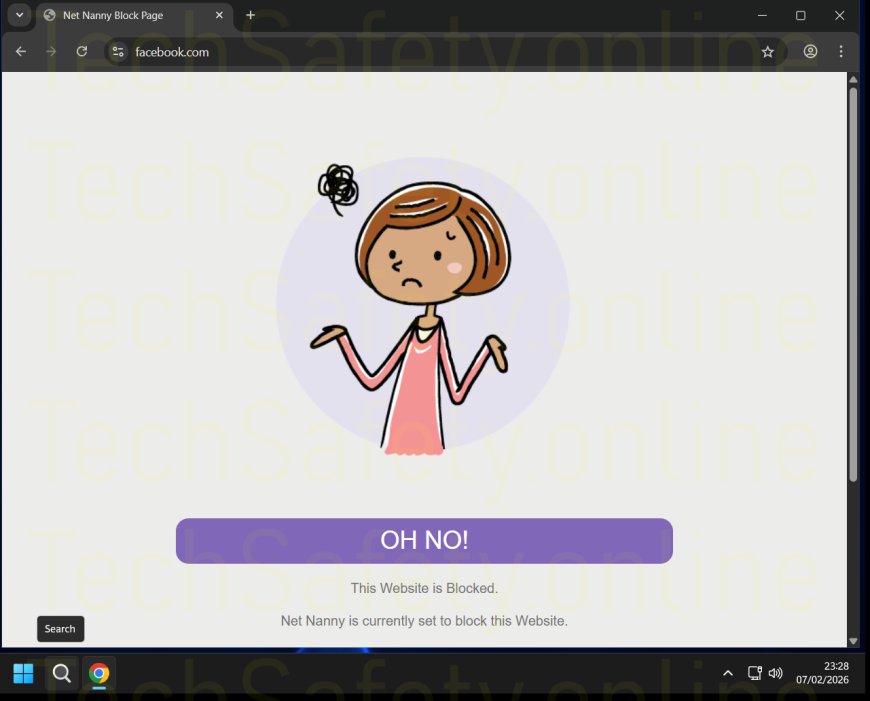
31.
32.
33.
34.
35.
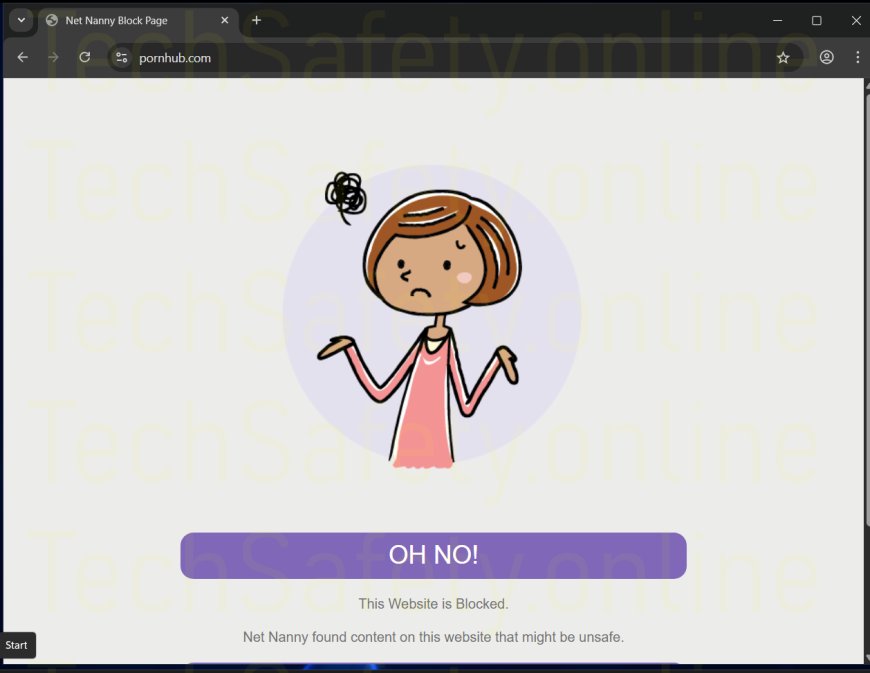
36.

37.
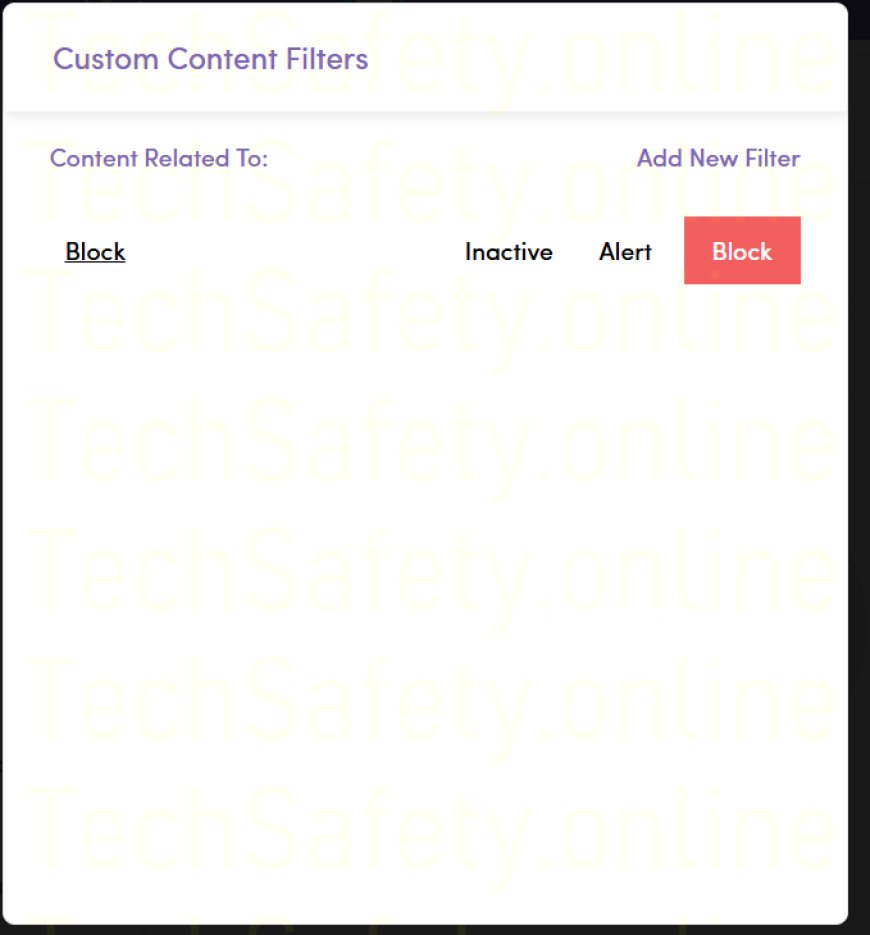
38.
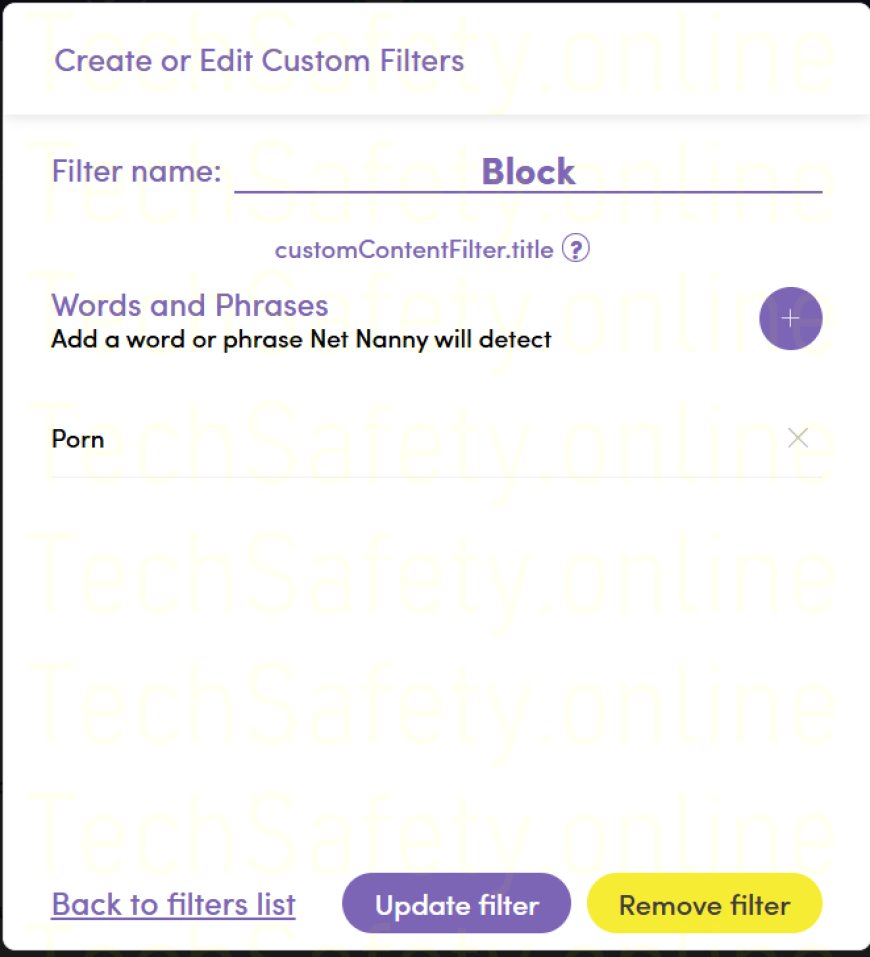
39.
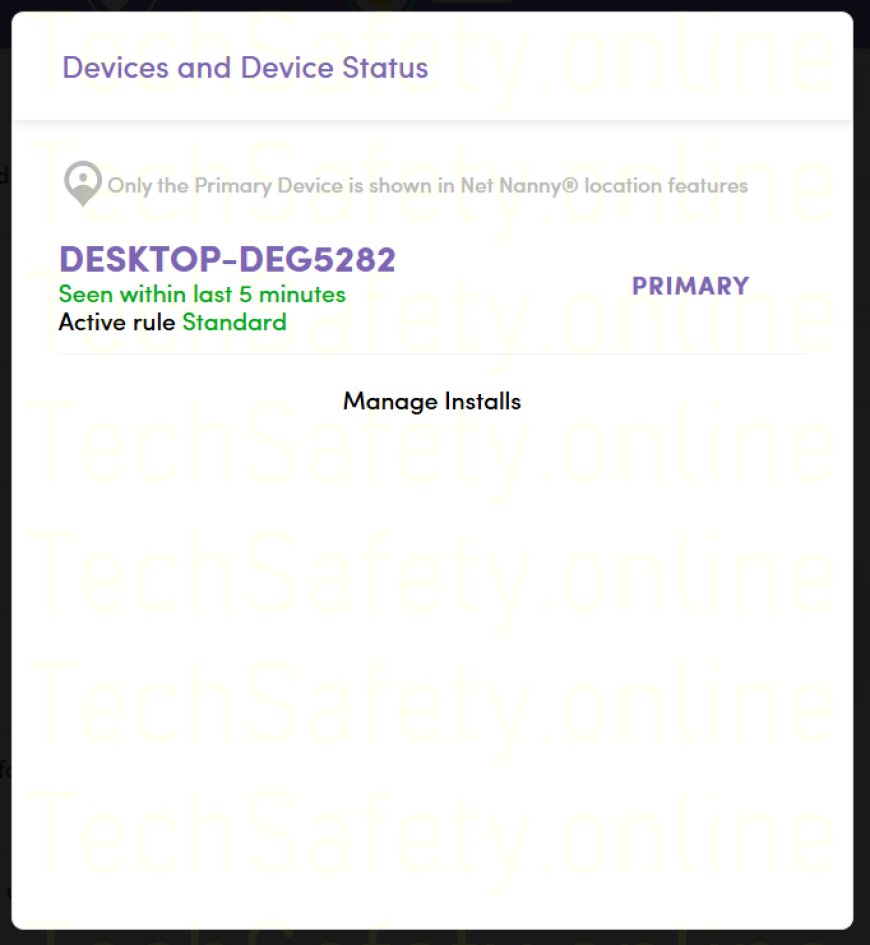
40.
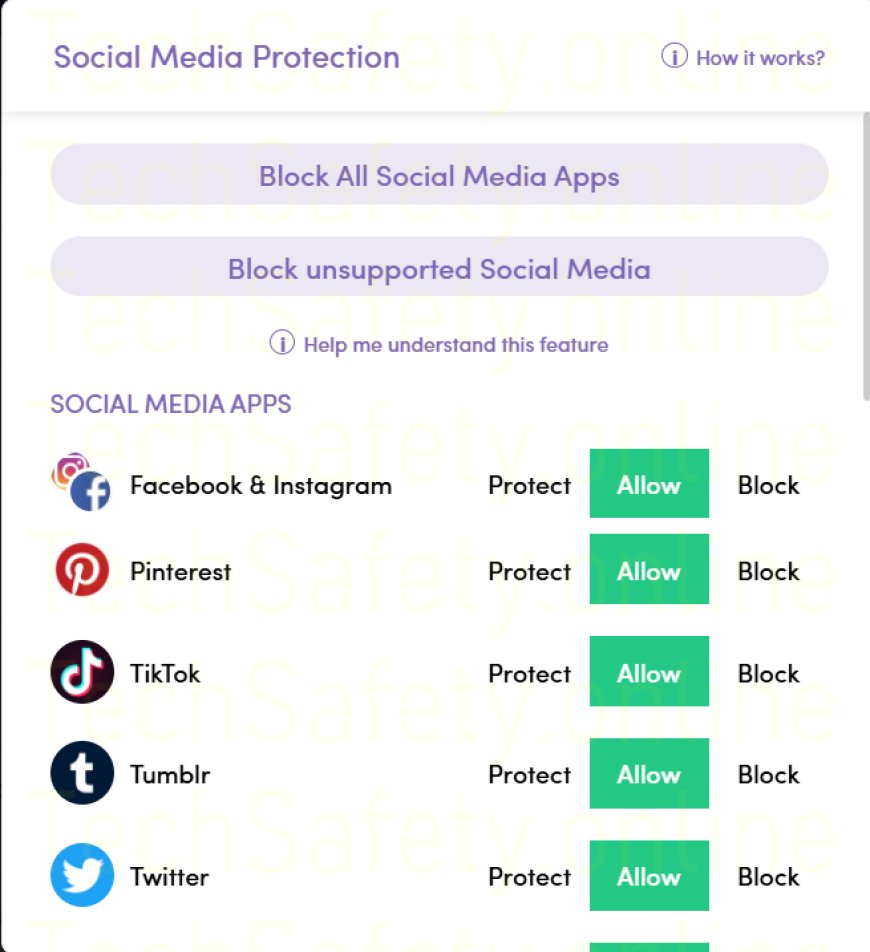
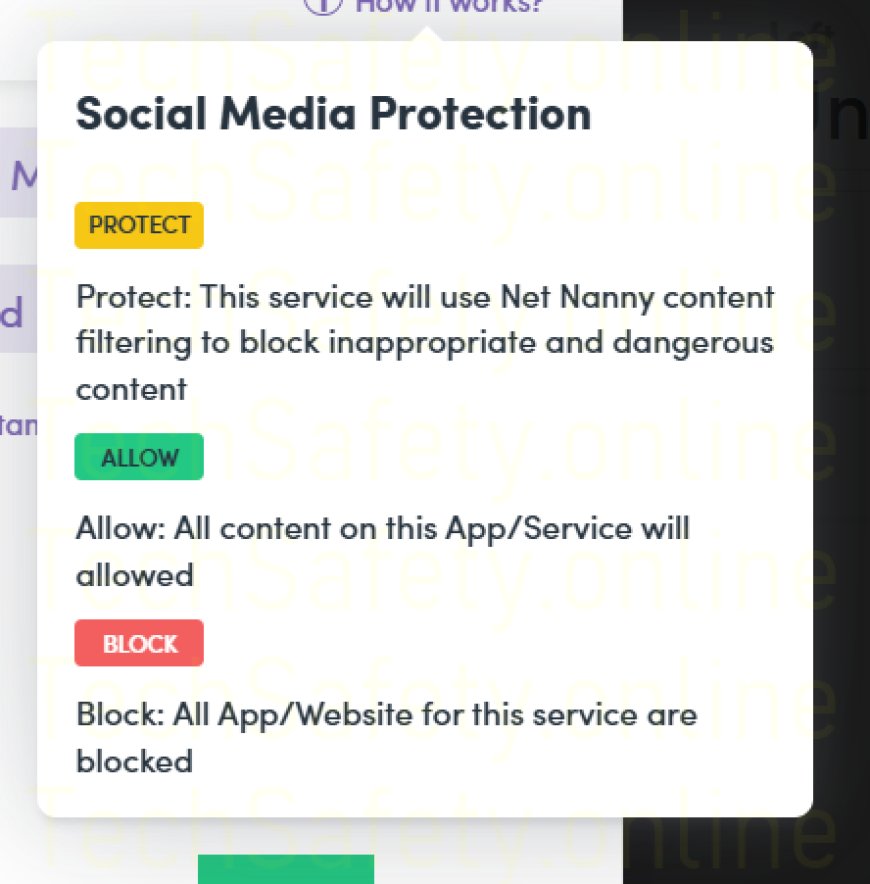
41.
What's Your Reaction?
 Like
0
Like
0
 Dislike
0
Dislike
0
 Love
0
Love
0
 Funny
0
Funny
0
 Angry
0
Angry
0
 Sad
0
Sad
0
 Wow
0
Wow
0